Skip to content
easygamersetups

easygamersetups

Level Up Your Gaming Setup

  • HOME
  • Game Stuttering & Stability
  • PC Performance & FPS Fixes
  • Hardware & Smart Upgrades
  • Windows Optimization for Gaming

PC Lag

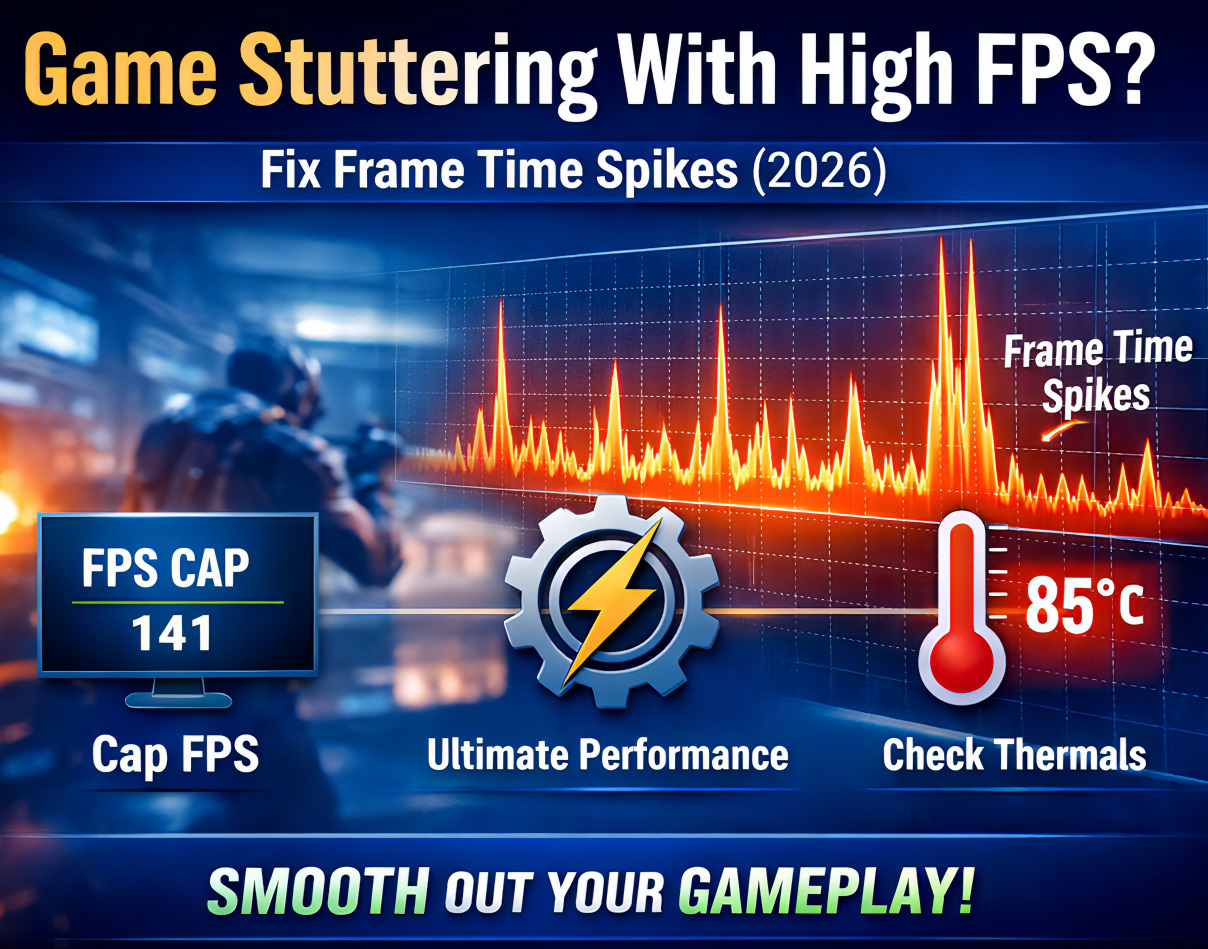
Stuttering at 144 FPS? Fix It in 15 Minutes (3 Steps)

04/16/202602/21/2026 by David
Game stuttering with high FPS frame time spike graph

If your game says 120, 144, or even 240 FPS but still feels choppy, the problem usually is not low average FPS. It is inconsistent frame timing. This guide walks you through 3 fast fixes that solve most high-FPS stutter issues without a full reinstall or complicated tweaks.

Categories Game Stuttering & Stability Tags Gaming PC Troubleshooting, PC Lag, Windows Optimization Leave a comment

Windows 10 Gaming Optimization in 2026: Reduce Lag, Freezing, and Overheating

04/16/202601/31/2026 by David
Windows 10 gaming optimization showing CPU temperature control, FPS stability, and no lag performance setup

Windows 10 can still run games well in 2026, but it needs the right setup. This guide covers the highest-impact fixes for lag, freezing, storage pressure, background load, and overheating without relying on risky tweaks or outdated myths.

Categories Windows Optimization for Gaming Tags Gaming PC Troubleshooting, PC Lag, Windows Optimization Leave a comment

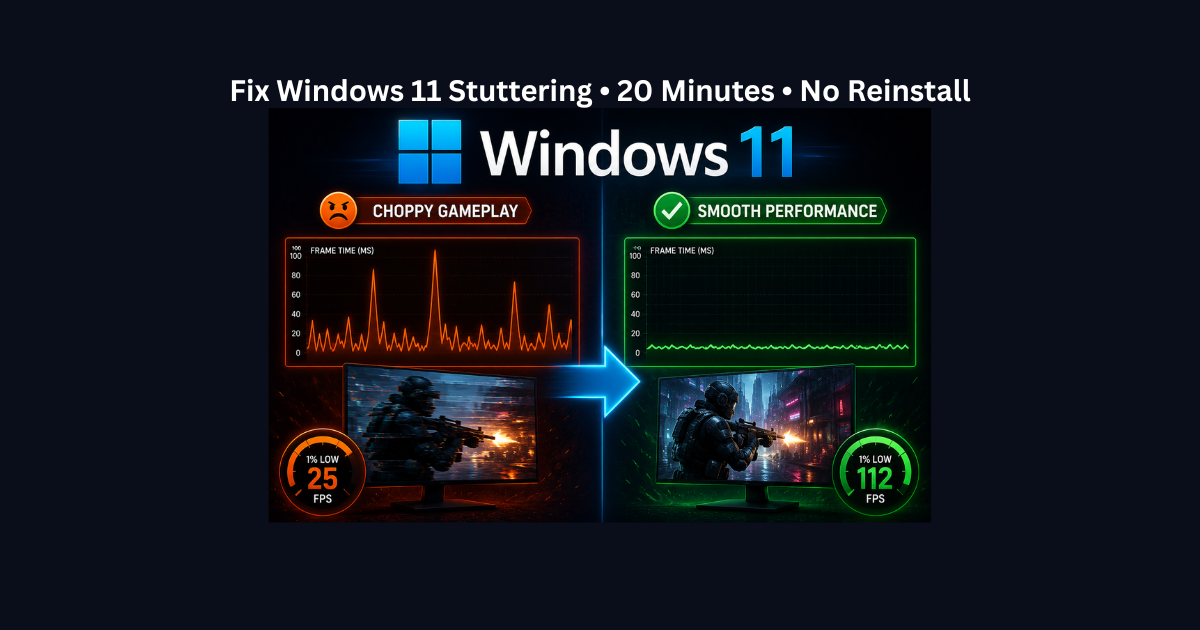
Fix Windows 11 Stuttering in 20 Minutes (No Reinstall)

04/17/202601/15/2026 by David
Game stuttering and frame-time spikes on Windows 11 after updates

High FPS doesn’t always mean smooth gameplay. If you’re battling micro-stutters and frame-time spikes in Windows 11, don’t reinstall your OS just yet. We’ve identified 9 deep-level fixes, from MPO to GameInput conflicts that restore perfect smoothness in under 20 minutes

Categories Windows Optimization for Gaming Tags PC Lag, Windows Optimization, Windows11 Leave a comment

High-End PC Getting Low FPS? 5 Fixes That Actually Work

04/15/202612/02/2025 by David
low fps on gaming pc 15 min fix

Dealing with poor framerates even though your PC is decent? Before you buy new parts, learn the 5 proven fixes that solve the most common causes: thermal throttling, wrong power settings, and integrated GPU usage. Get back to smooth gaming in 15 minutes.

Categories PC Performance & FPS Fixes Tags Gaming PC Troubleshooting, Low FPS Fix, PC Lag, PC Performance, Windows Optimization Leave a comment

Recent Posts

  • Stuttering at 144 FPS? Fix It in 15 Minutes (3 Steps)
  • Windows 10 Gaming Optimization in 2026: Reduce Lag, Freezing, and Overheating
  • Fix Windows 11 Stuttering in 20 Minutes (No Reinstall)
  • Fix Windows Update Lag: 5 Settings to Disable in 2026
  • How to Tell If You Have a CPU or GPU Bottleneck (With Simple Tests Anyone Can Run)
buy pc parts from Newegg

footer

  • Privacy Policy
  • Cookie Policy
  • About Easy Gamer Setups
© 2026 easygamersetups • Built with GeneratePress