Windows 11 Game Stuttering: What Causes It and How to Fix It (2026)

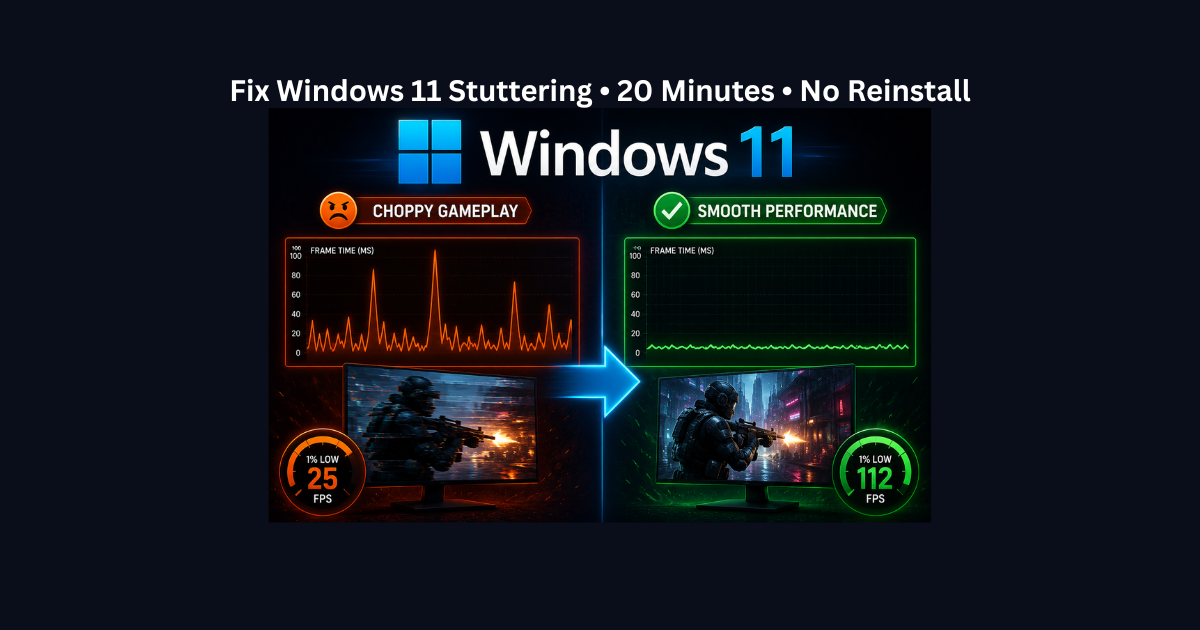
Windows 11 logo with before and after game performance comparison showing stuttering fixed through configuration changes

Games stuttering on Windows 11 even at high FPS? You’re experiencing frame-timing issues caused by Windows 11-specific features, not hardware problems. Most cases are caused by MPO (Multi-Plane Overlay) conflicts in borderless mode, Fast Startup carrying corrupted driver states, Memory Integrity security overhead, or shader cache corruption after updates.

This complete guide explains what causes Windows 11 game stuttering, how to diagnose if your stuttering is Windows 11-specific (versus hardware issues), and walks you through 4 proven fixes: clearing the DirectX shader cache, disabling Fast Startup, testing Memory Integrity when appropriate, and fixing MPO conflicts for borderless gaming.

If stuttering started after upgrading to Windows 11 or after a Windows update, these configuration fixes usually resolve the problem in 20 minutes without reinstalling Windows.

What Are Frametime Spikes? Why High FPS Still Stutters (Complete Guide)

Before and after comparison showing low FPS fixed on high-end gaming PC - 45 FPS to 144 FPS improvement

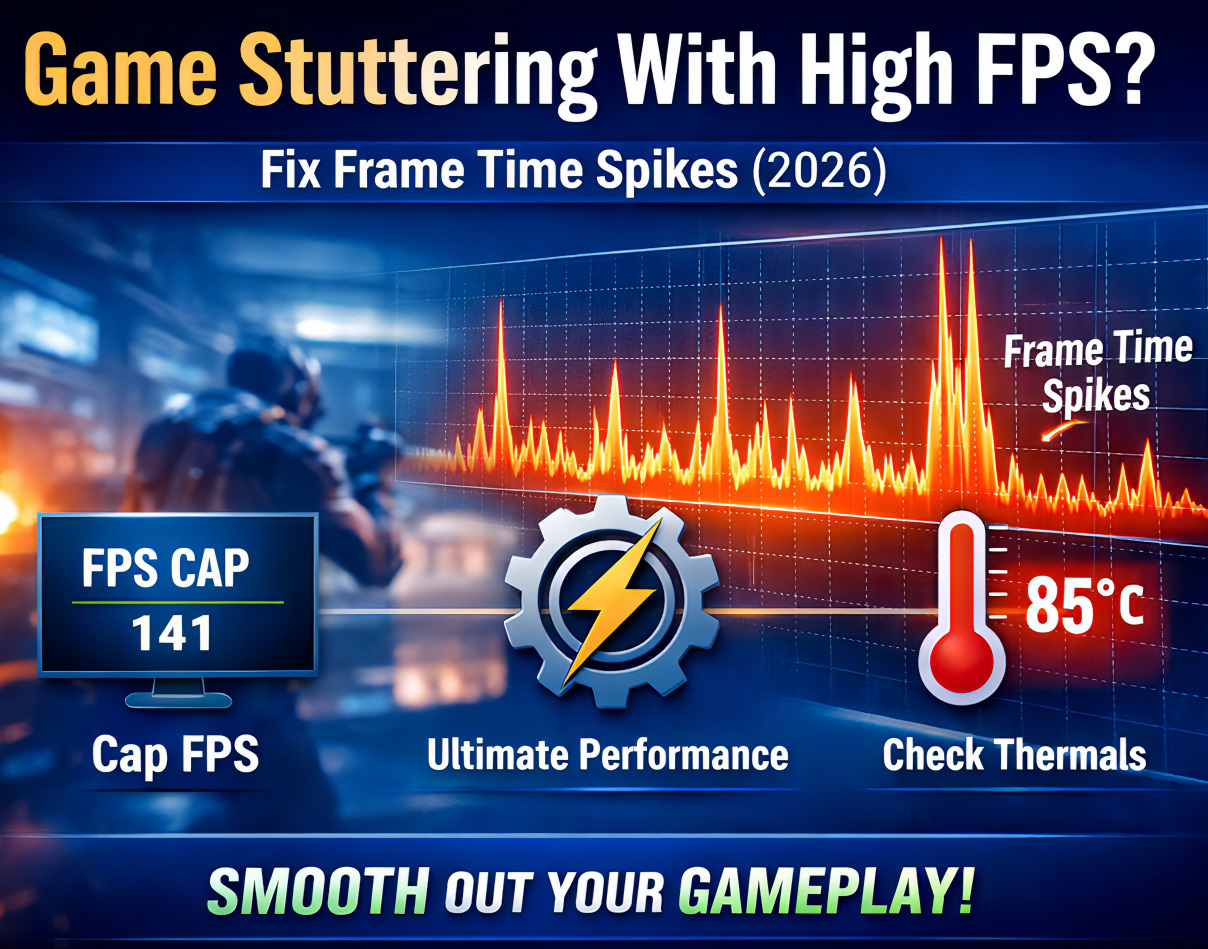
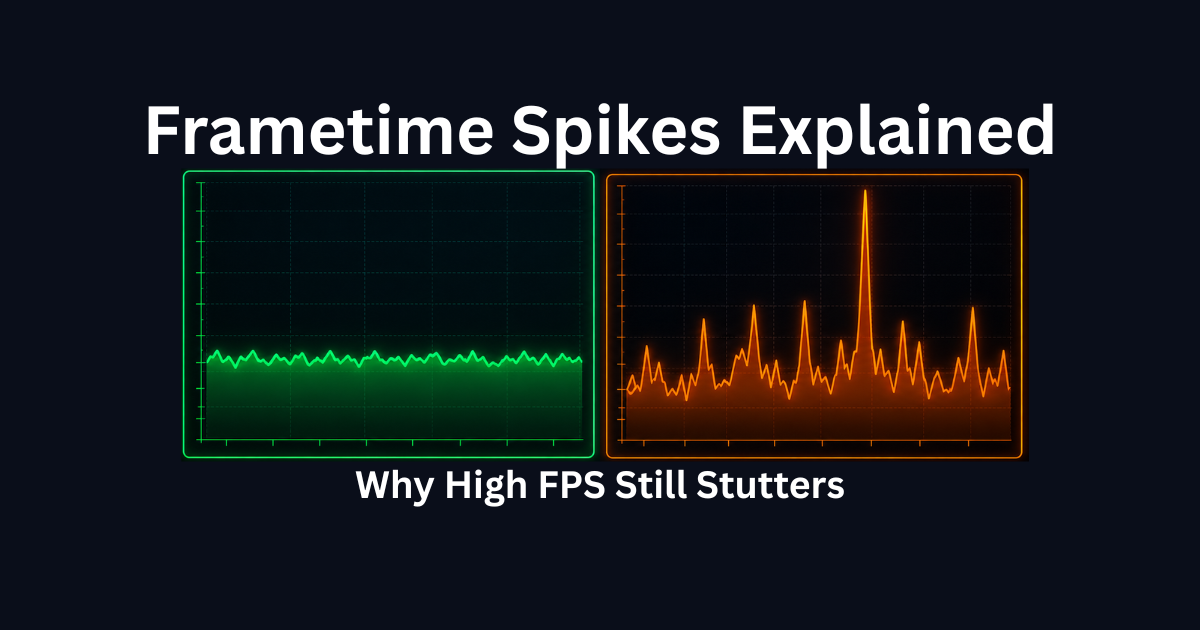
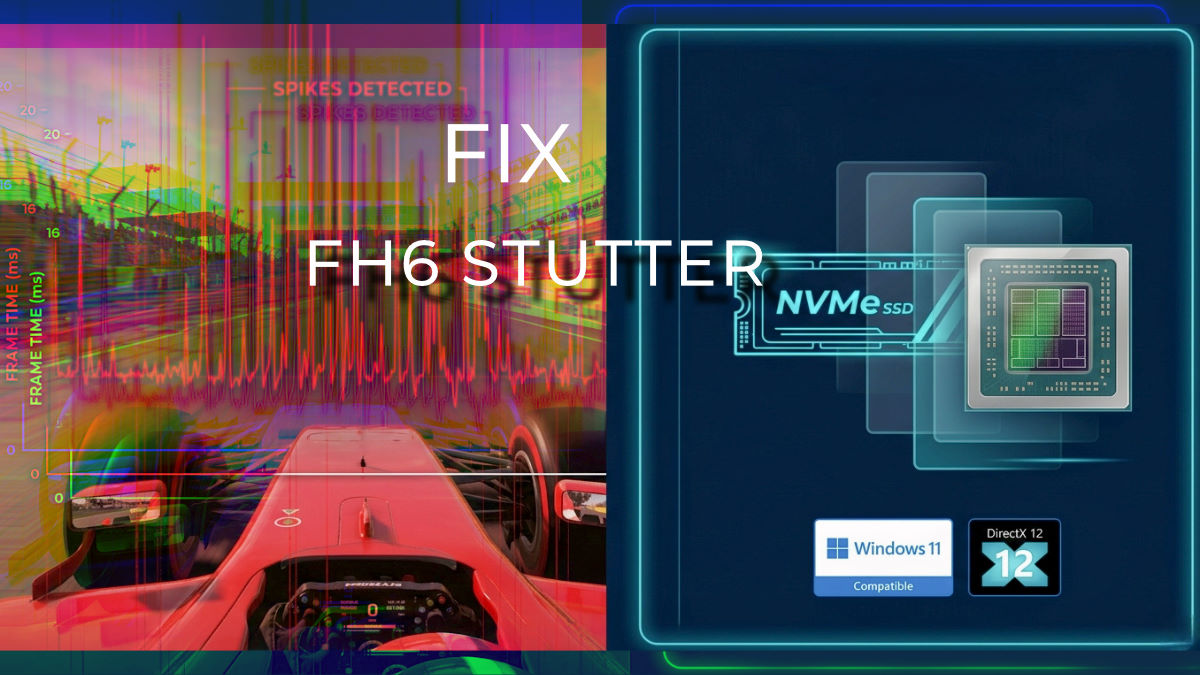
If your game shows 100-144+ FPS but still stutters, hitches, or feels choppy, you have frametime spikes, not a performance problem. Frametime measures how long each individual frame takes to render. When one frame takes 50ms instead of 16ms, you get visible stuttering even though your average FPS stays high. This guide explains what frametime spikes are, what causes them, and how to fix high-FPS stuttering through 8 targeted solutions covering GPU saturation, CPU bottlenecks, shader compilation, thermal throttling, storage issues, overlays, and driver problems.